New Feature launched for Projects App

Next Level Productivity through Optimized Workflows within Office 365

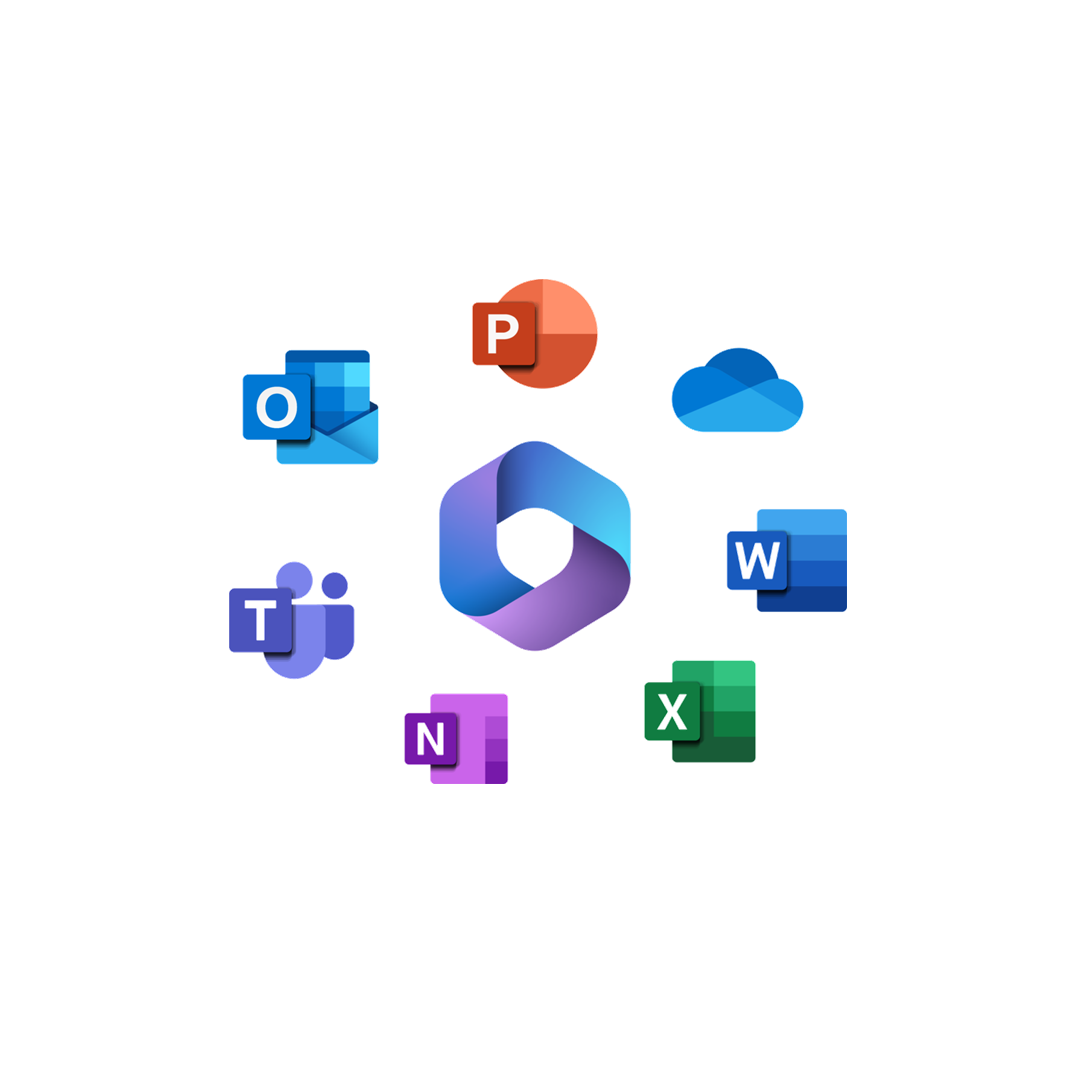
100% Native to Office 365, these purpose-built apps gives your team power of seamless collaboration and optimized workflows for smarter task execution – all designed to take your business to next level.
Productivity without Chandra
Basic level productivity with Office 365.

Empowering Countless Businesses Worldwide

Seamless Collaboration: Built for Microsoft Teams

Experience effortless teamwork with a solution designed to work natively within Microsoft Teams. With Single Sign-On (SSO), there’s no need for extra logins. Our apps blend seamlessly into your Office 365 environment, delivering a familiar, intuitive experience that feels like home. Enjoy smooth integration with your existing workflows, secure access controls, and real-time collaboration—all without ever leaving Microsoft Teams.

Built for Teams

Built for Teams

Single sign on

Single Sign-On

Single Sign-On

Single sign on

Single Source of Truth: One Data Source for All

As your organization grows; different departments tend to maintain their data separately in individual Excel files. Our apps eliminate the need to maintain multiple Excel files across servers and personal computers. By centralizing data in the cloud, everyone accesses the same up-to-date information, enhancing reliability, transparency, and collaboration.

0 %

Reduction in inventory holding costs stock management.
0 %

Ensuring shorter queues and happier customers.

Productivity Layer on Office 365

Enhance productivity in your Office 365 environment with easy-to-install apps that boost functionality and efficiency. Designed with customization in mind, these apps help maximize your team’s effectiveness.

Optimised Workflows

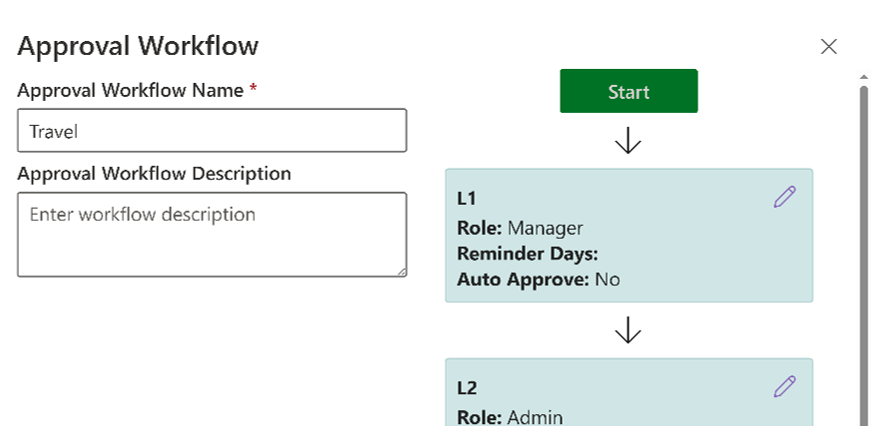
Streamline your processes with pre-configured, efficient and automated workflows that reduce manual effort, minimize errors, and enhance team collaboration.

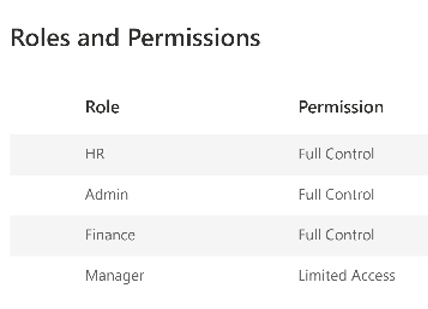
Top Security & Permissions

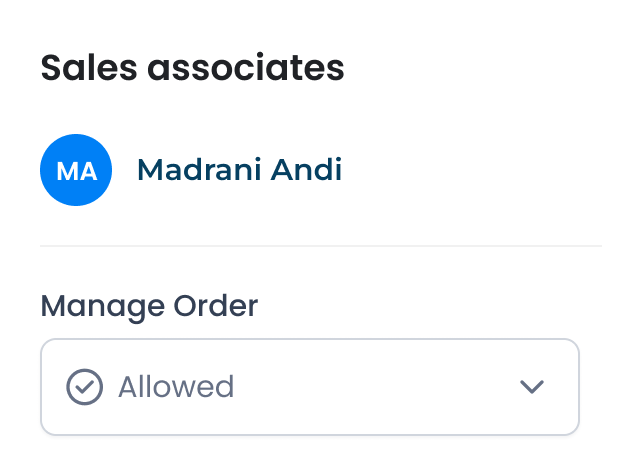
Ensure data security with robust access controls and customizable permissions, allowing rule-based  row level security.

Fluidic User Experience

Enjoy a seamless, intuitive interface designed for effortless navigation & productivity through outlook actionable messages.

Reports & Dashboards

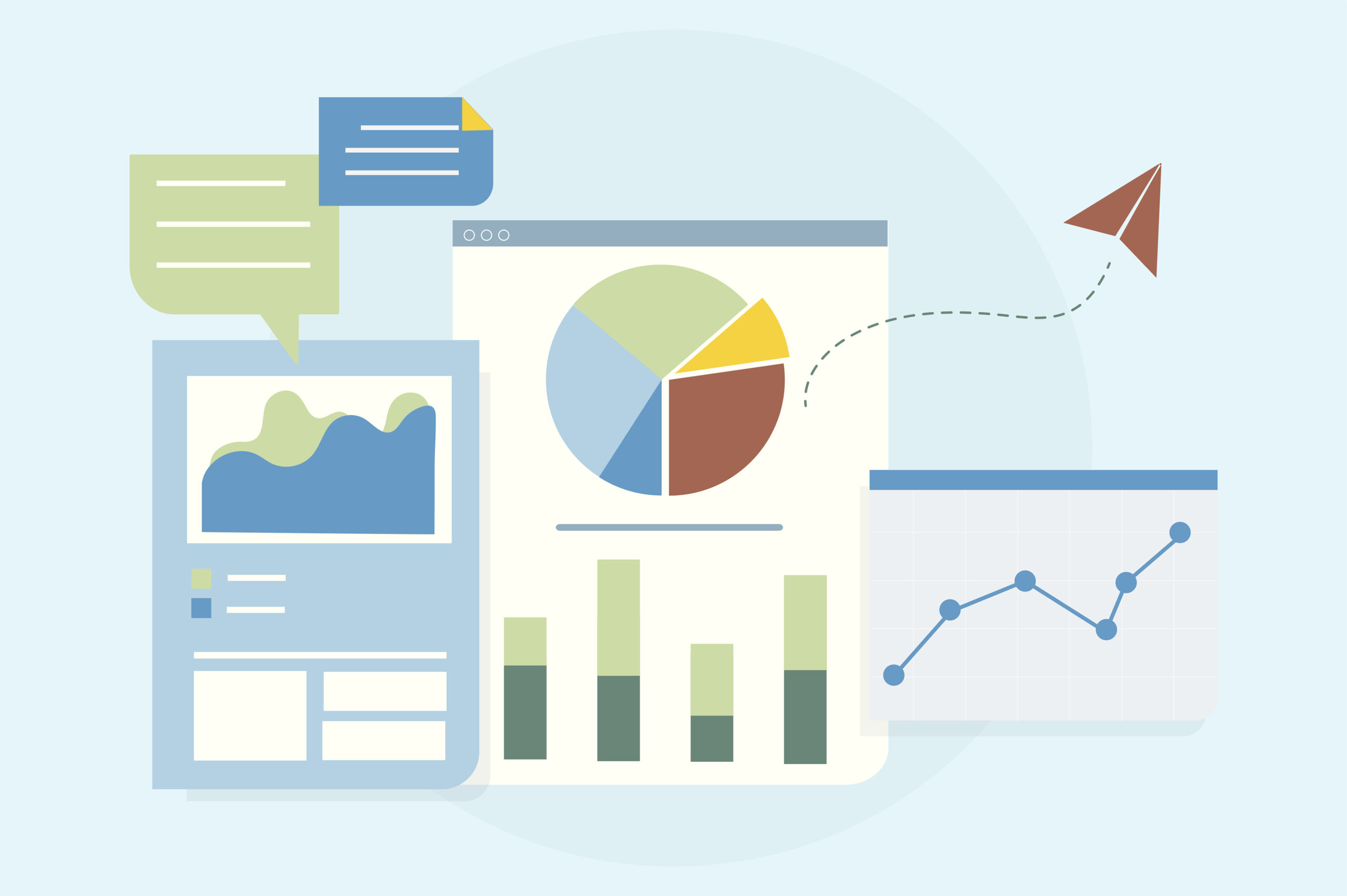
Visualize & analyse your data using out of the box easy to understand and functional reports or get custom reports using Power BI.

Productive on all Devices

Your team is productive across all devices, allowing access of data and necessary actions anywhere, even while on the move.

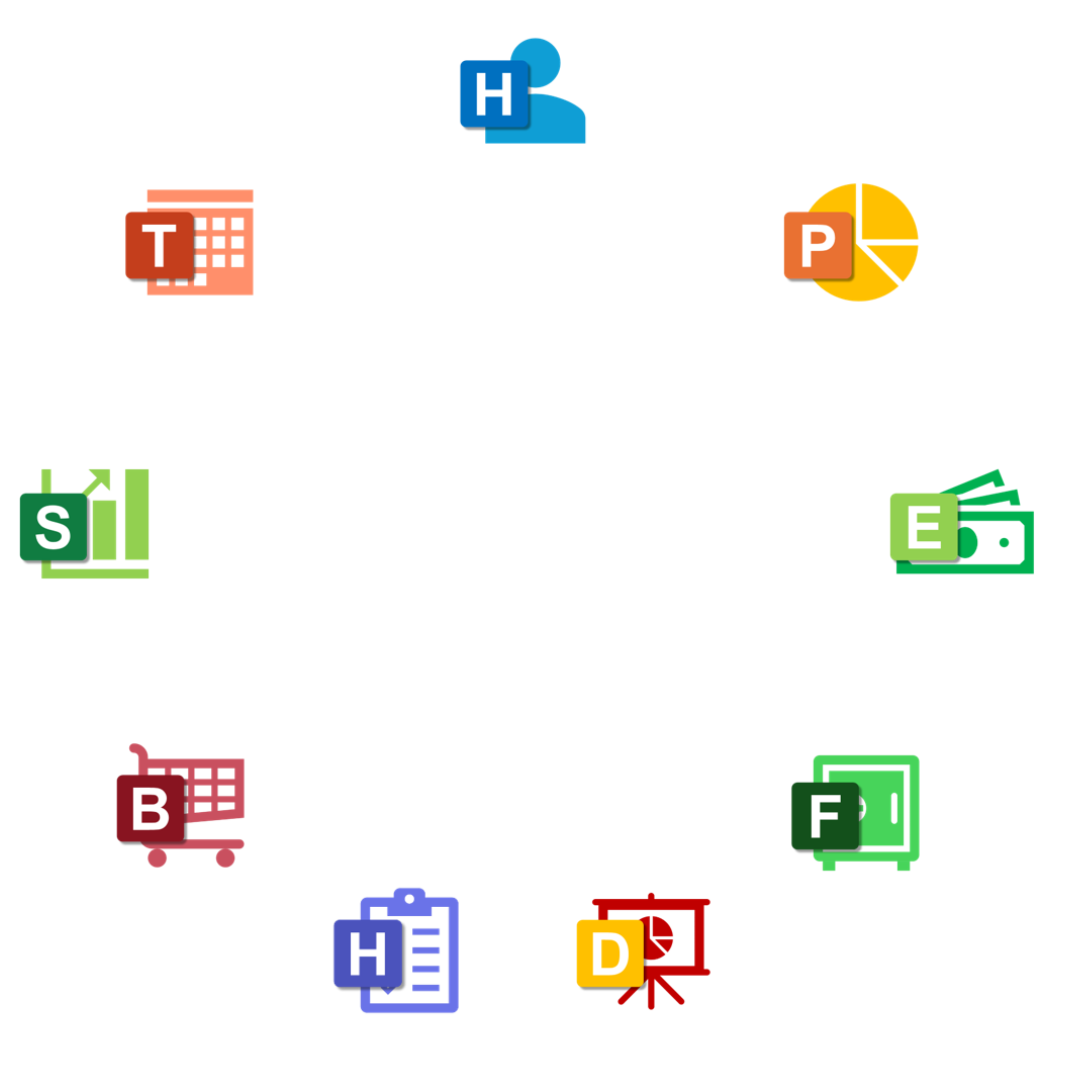
Most Loved Apps

  • Helpdesk
  • Projects
  • Time
  • Expense

Your Central Hub for Every Support Request

Welcome to Helpdesk Works, your centralized system for managing support requests across the organization. Whether it’s a quick fix or a critical issue, everything flows through one smart, connected workspace.

Log issues instantly, route them to the right people, and gain powerful insights — all without leaving your Microsoft ecosystem.

Works seamlessly with: SharePoint • Outlook • Microsoft Teams

Create Request

Opens the request form where users can log a new support issue in seconds. Select category, describe the problem, attach files, and submit — with instant confirmation and tracking from day one.

Approvals / Assigned to Me

See all requests that require your action or are assigned to you. Prioritize workload using visual insights, update statuses, add comments, and move issues toward resolution faster.

My Requests

View and track all the issues you’ve raised in one place. Monitor status, responses, and resolution progress with full transparency, filters, search, and export options.

Role-Aware Dashboard

The home screen adapts to your role — User, Support Agent, Manager, or Admin. Each role sees the most relevant data, quick actions, and insights, ensuring a focused and efficient support workflow.

Your Central Hub for Project Planning & Task Execution

The Home screen is the starting point for every user in Project Works. Whether you’re planning timelines, tracking task progress, logging effort hours, or reviewing reports, everything begins here. Smart quick-access tiles guide users to the most relevant tools based on their role—ensuring a smooth, efficient, and fully transparent project management experience.

Gantt Charts

Visualize project timelines, task dependencies, and milestones with interactive Gantt charts connected directly to Microsoft Planner for real-time schedule synchronization.

Reports & Dashboards

Access real-time insights into project health, delays, workloads, and team performance through powerful dashboards and exportable reports.

Manage Hours

Log, track, and monitor planned vs. actual effort hours with automatic variance calculations and streamlined approval workflows.

Role-Aware Navigation

Your dashboard adapts based on your role—Project Member, Manager, or Admin—displaying only the tools and data relevant to your responsibilities.

Your Central Hub for Attendance & Leave Management

The Home screen is every employee’s starting point in TIME Works. Whether it’s marking attendance, applying for leave, tracking requests, or managing approvals, everything begins here. Smart quick-access tiles guide users to the most relevant actions based on their role, ensuring a fast, intuitive experience from the moment they log in.

Swipe In / Swipe Out

Quickly record your working hours with simple swipe actions. Multiple swipes are supported, with first-in and last-out used for accurate work time calculation.

Approvals (Role-Based)

Managers and approvers can instantly access pending leave and attendance regularisation requests, helping teams stay on schedule without delays.

My Requests

Track all your leave applications and attendance regularisation requests in one place, with full visibility into approval status and history.

Role-Aware Navigation

Your Home dashboard adapts automatically based on whether you’re an Associate, Manager, HR, or Administrator—showing only what matters to your role.

Your Central Hub for All Expense Activities

The Home screen is the starting point for every user in Expense Works. Whether you’re submitting a reimbursement, tracking claim status, or approving requests, everything begins here. Smart quick-access tiles guide users to the most relevant features based on their role—making the experience fast, intuitive, and completely transparent.

New Claim

Start a reimbursement request instantly. Add expense details, upload receipts, and submit in just a few clicks with built-in validations to avoid errors.

Approvals (Role-Based)

Managers, HR, Finance, and Admins can quickly access pending claims, review supporting documents, and take action—Approve, Reject, or Request Clarification.

My Requests

View and track all your submitted claims in one place. Check statuses, respond to clarifications, and see approval history with full visibility.

Role-Aware Navigation

Your dashboard automatically adapts based on whether you’re an Employee, Manager, HR, Finance, or Administrator—showing only the features relevant to your responsibilities.

Rated 4.6 out of 5

“chandra.works has become a trusted technology partner for our business. Their team understood our requirements quickly and delivered a custom solution that streamlined our internal workflows and improved overall efficiency. The platform is easy to use, reliable, and scalable as we grow.”

Operations Manager

Satisfied Clients Share Their Stories

Chandra.works has completely transformed the way our teams collaborate. The fact that it works 100% natively within Office 365 and integrates seamlessly with Microsoft Teams made adoption effortless. With Single Sign-On and no additional logins, our employees were productive from day one. It truly feels like a natural extension of our Microsoft ecosystem.

Vadivel Murugan
Vadivel Murugan

Sacha Engineering

Before implementing Chandra apps, we were managing multiple Excel files across departments, leading to inconsistencies and delays. Now, all our data is centralized in the cloud, giving us one reliable source of truth. Collaboration has improved dramatically, and we’ve seen measurable reductions in operational inefficiencies.

Lingamoorthy Chinnusamy

Sacha Global

The pre-configured workflows and automation features have reduced manual effort across our organization. From approvals to task management, everything is streamlined. The role-aware dashboards and reporting tools give us clear insights into performance and help us make faster decisions.

Praveen M
Praveen M

Bell Careers

Helpdesk Works has become our central hub for managing support requests. Logging issues, assigning tasks, and tracking progress is incredibly simple. The role-based dashboards ensure everyone sees what matters most to them, and our response times have improved significantly.

Ramesh
Ramesh

RLE International

Get Quick Answers to Common Questions

At chandra.works, we help businesses grow with tailored software solutions, modern web and mobile applications, and custom integrations—built for performance, security, and scale. Our team works closely with you to understand your needs and craft technology that solves real challenges and drives measurable results.

Couldn’t find what you looking for?
write to us at

chandra.works partners with startups, small to mid-sized companies, and enterprise clients across industries to deliver custom software, automation tools, and digital transformation solutions tailored to each business’s unique goals.

Couldn’t find what you looking for?
write to us at

Ready to Transform Your Business? Take the First Step Today!

Purpose-built tools for real-world engineering

Call Us

+49 821 71717

Email Us

support@chandra.works

Resource

Social

Legal

Copyright © 2025 Sacha Solutions. All rights reserved.
wpChatIcon
wpChatIcon
Feedback form
Name